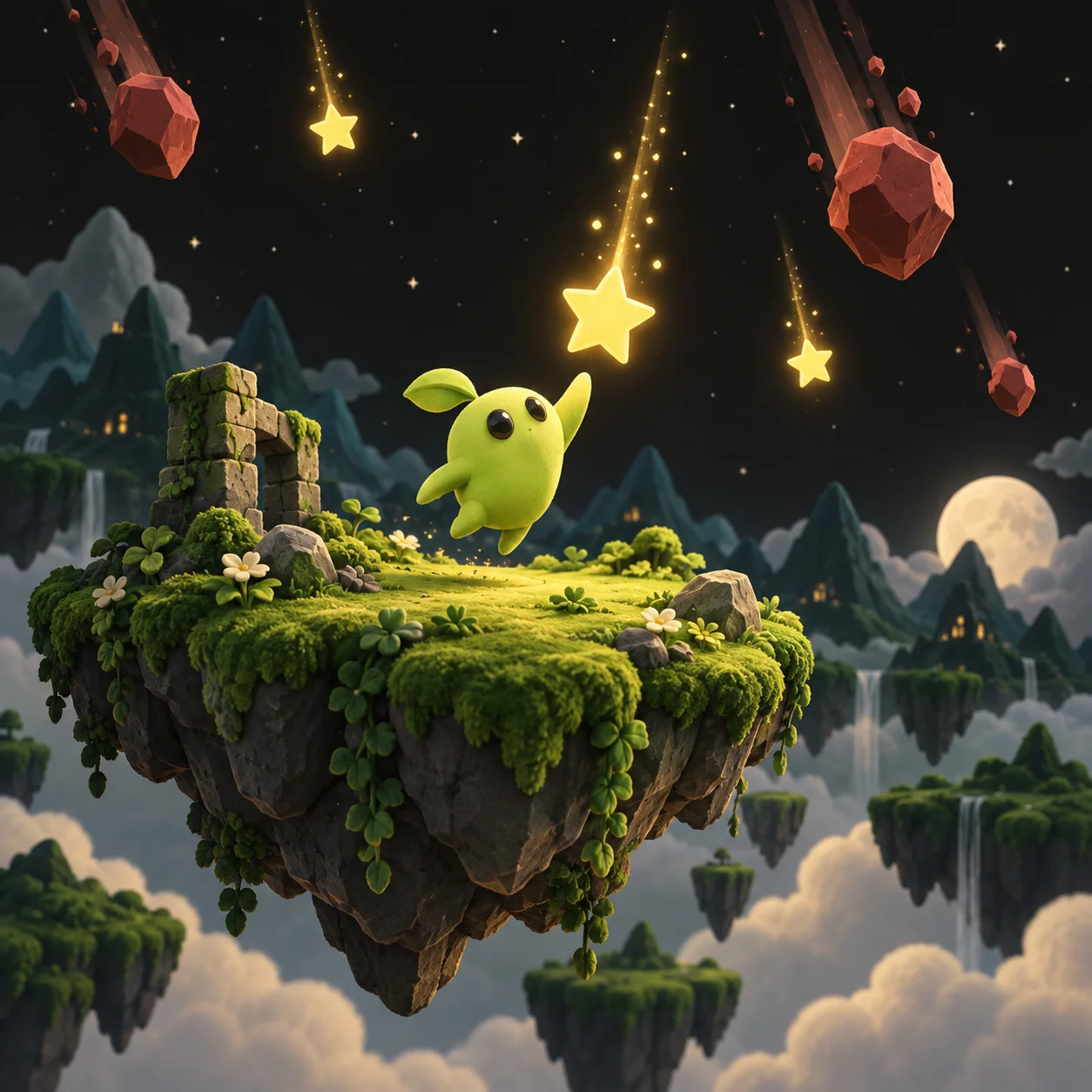
Collect & dodge
Catch falling stars, avoid obstacles, and chase a score. Define the win condition, starting lives, and how the player moves.
 tuvimo
Turn your ideas into playable browser games with our AI game maker. Describe, play, and refine with words.
Play the examples for free. Review model availability and credit costs in the studio.
Start with one clear game loop. Choose a prompt below, then make the rules, setting, and challenge your own.
Catch falling stars, avoid obstacles, and chase a score. Define the win condition, starting lives, and how the player moves.
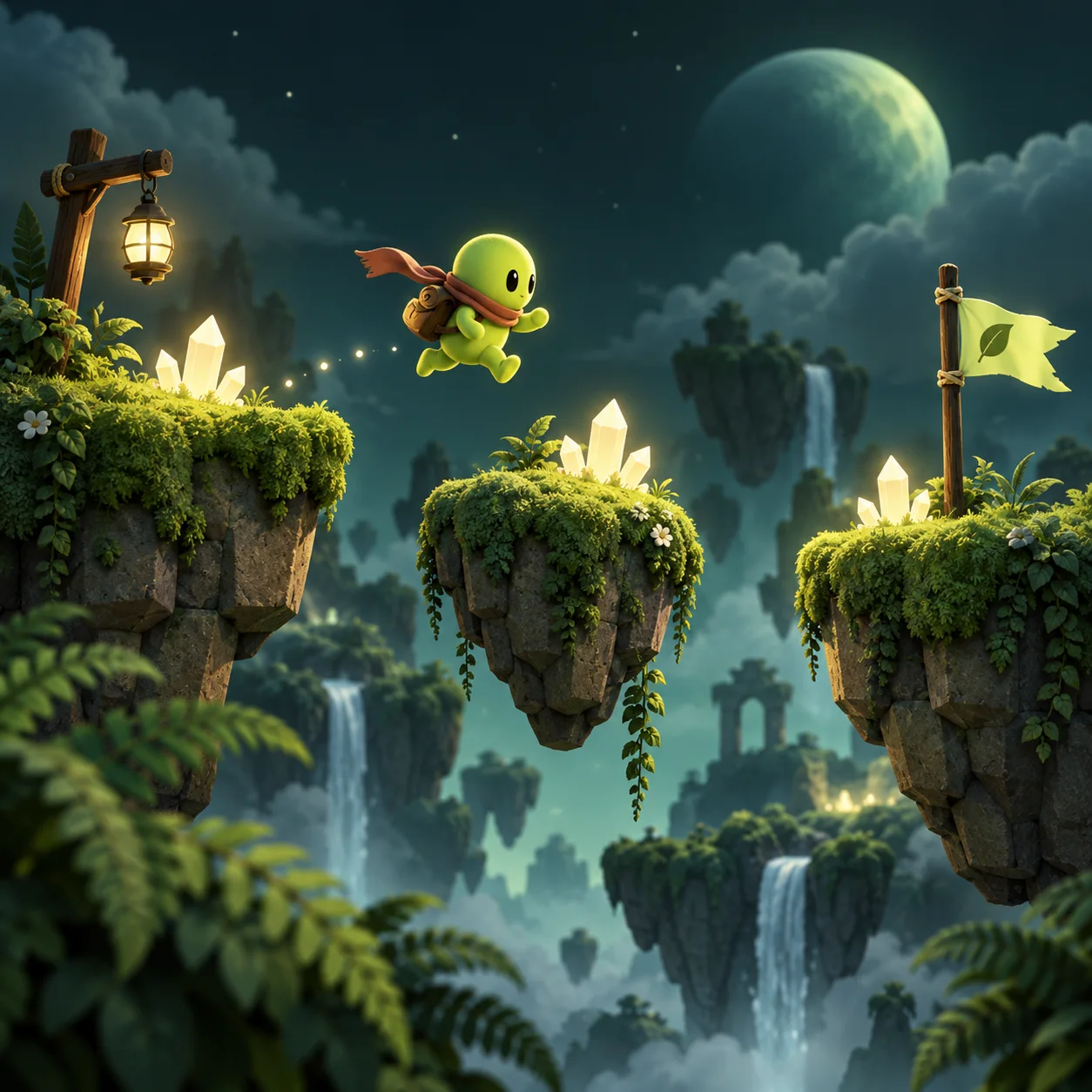
Sketch a short platformer with jumps, collectibles, and a finish line. Start with one level and refine its pace after a playtest.
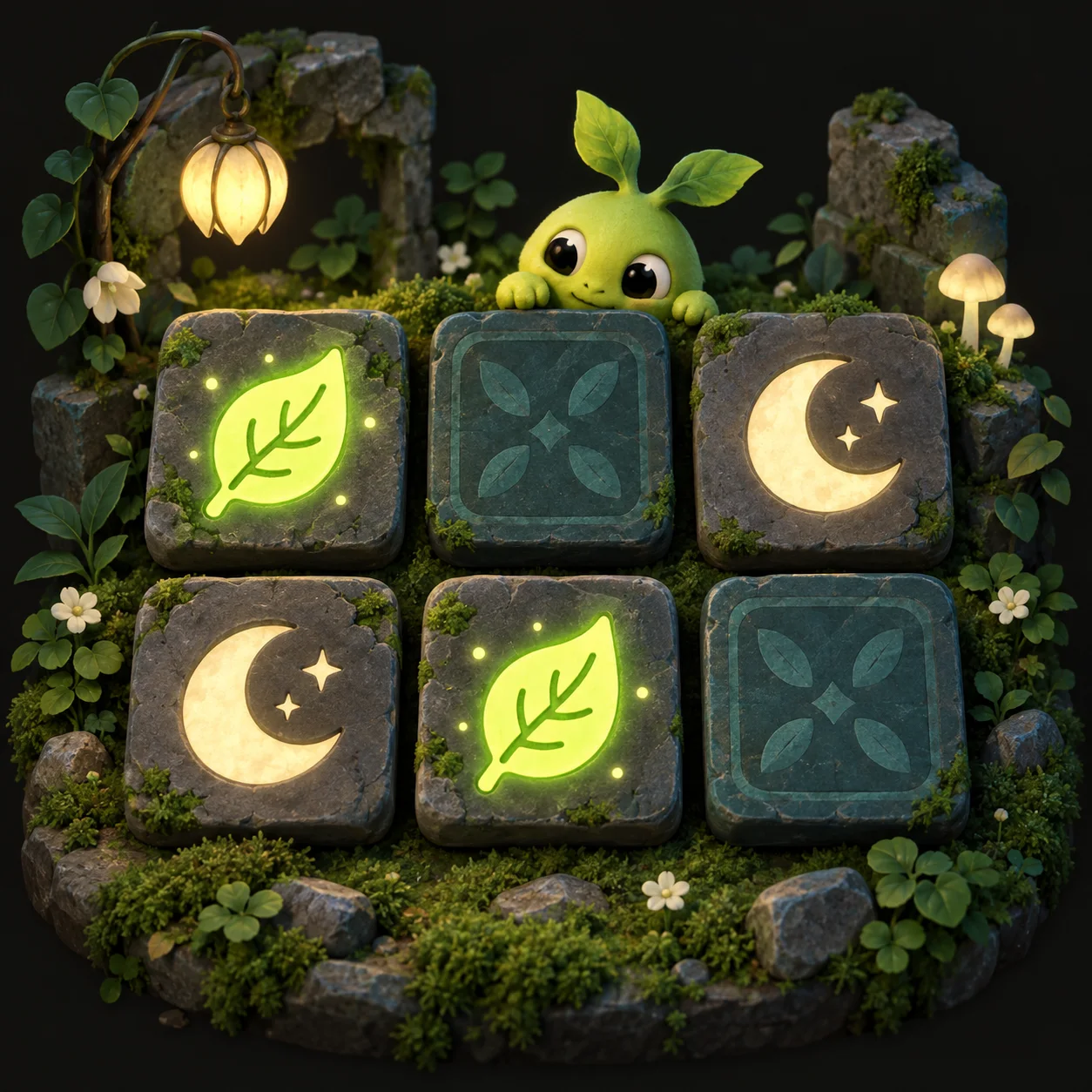
Try a memory puzzle with matching symbols, a move counter, and a satisfying finish. Choose the theme and number of pairs.
Game ideas illustrated with concept art.
Explore playable game examples on Tuvimo. Find a mechanic you love, then start a new game idea of your own.
Leap across bright valleys, collect coins, and stomp your way to the finish.
An AI game creator you can guide with everyday language. Start with a clear brief, test the result, and keep refining in the same workspace.
Describe the player, controls, goal, and setting. Add a reference image to give your game a visual direction.
Generate a playable browser game, then try the controls and game loop in the preview. Check what feels fun and what needs a change.
Use plain language to adjust the rules, difficulty, or appearance. Each successful revision is saved as a new version, so you can revisit earlier results.
Choose a subscription for creating and revising browser games. Review the selected model’s credit cost before each generation.
Lite
For your first playable ideas
Pro
For regular game creation
Ultra
For more games and revisions
The examples are free to play. AI generation and revisions use credits; review the selected model and cost before submitting.
Costs depend on the selected model. Replaying a saved game does not use AI generation credits.
View game pricingYes. Describe what you want in everyday language and the AI game maker generates the game code. You can playtest the result and request changes to the rules, controls, or appearance without editing the code yourself.
Your prompt describes a small game: what the player does, how they win, and the visual style. The selected AI model turns that brief into a browser game. Play it in the studio, then describe the next change you want to make.
Yes. Ask for a specific change, such as fewer stars to collect, more lives, or slower obstacles. A successful revision becomes a new saved version. You can compare versions and return to an earlier playable result.
Yes. Open any game card to play in your browser and see its controls and creator credits. The game-idea illustrations are concept art. Choose an idea to start a new game brief in the AI game maker.
You can share a saved game version with a link, and choose which version others can play. Later edits do not change that shared version. Use Download HTML when it is available in your workspace; games that rely on separate image files do not yet support HTML download. Roblox export is not supported.
Your previous playable version stays available. If generation fails, the credits used for that request are returned with their original expiry dates. If the connection drops, check the current request before starting another generation.
Start with a focused browser-game idea: collect-and-dodge arcade games, a short platformer, or a memory puzzle. Describe one main mechanic, a goal, and simple controls. Playtest the first version before adding more levels, rules, or visual details.
Playing the examples is free. Creating a new AI game or requesting a revision uses credits. The studio shows the selected model’s cost before you submit; subscriptions and credit packs are listed on the pricing page.
A wild idea is a perfectly good place to begin.
Start creating